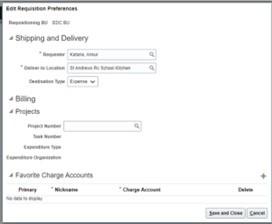
Oracle Fusion - Update Requisition Preferences
Setting requisition preferences allow the user to specify information that automatically defaults when requisitions are created. The following process outlines the steps to update requisition preferences and once saved, the default information will be applied to all requisitions.
1. Login to your Oracle Fusion account
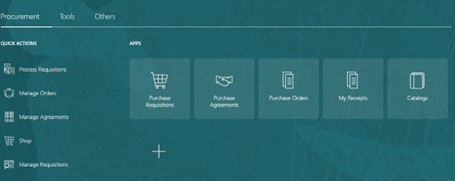
2. Select the Procurement tab
3. Select Purchase Requisitions – Your homepage may be different depending on permissions
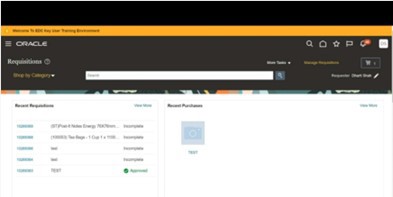
4. Click on pencil icon
5. Edit requisition preferences is displayed
6. Select default information for Shipping and Delivery, Billing, Projects, and Charge Accounts
7. Save and Close