
Oracle Fusion – Drill Down Functionality on Journals
This functionality allows the user to drill down a journal transaction to the source transaction.
Users can view account balances online. The following steps outline the process to drill down and view account balances online, without running a report
- Select General Accounting
- Select Journals
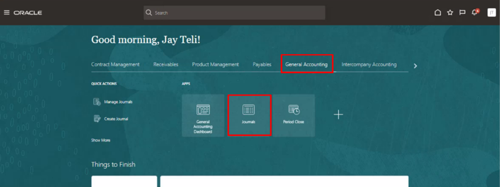
- Manage Journals screen is displayed
- Select Journal
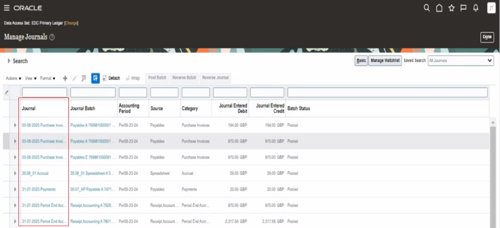
- Select amount in Entered Debit or Credit column
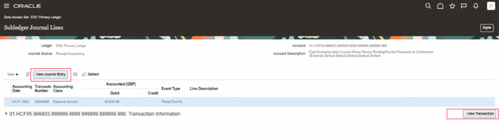
- Subledger Journal Lines screen will be displayed
- to view transaction detail and invoice page