
Oracle Fusion - Creating Catalogue Requisitions
Users can create requisitions from a stored catalogue.
Any items ordered through a catalogue will be priced according to the agreement in place. This process outlines the steps to create a catalogue requisition.
1. Login to your Oracle Fusion account
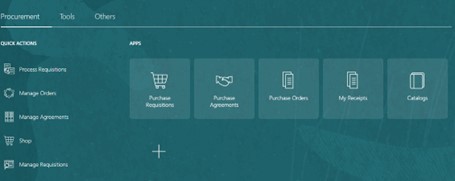
2. Navigate to Procurement tab
3. Select Purchase Requisitions – Your homepage may be different depending on permissions
4. Search for item based on item description or supplier name
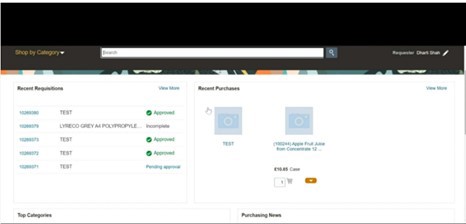
5. Price will default from the agreement attached to the item
6. Specify quantity required and click on cart icon to add to cart
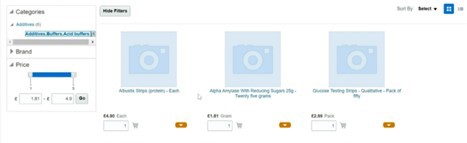
7. Repeat steps to add more items to requisition. Ensure only one supplier is chosen per requisition. If the goods required are for various suppliers, please raise different requisitions for each
8. Click on Shopping Cart to review/edit all requisition details or submit requisition
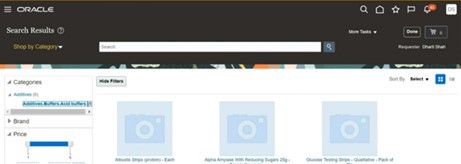
9. Good practice would be to select Manage Approvals before selecting submit to make sure routing to the correct approver
10. Once approved, requisition will be in an open status